
How it works
A register on your phone, then a tag in the ear.
HerdSense is used in the kraal, not at a desk. Here is what a farmer does with it, in the order they do it.
(01) The three stages
Records, then the tag, then the alerts.
Each stage is useful on its own. Nothing forces you to the next one.
- 01
Records first
Every animal on your phone, before you buy a single tag.
Register each animal with a photo, breed, sex and age. Record weights, temperatures, feed and treatments in the kraal, one thumb, no signal needed until you get home. Move animals between camps. Mark them sold or deceased. The history is there when a buyer, a vet or the co-op asks.
- 02
Add the tag when ready
A LoRa ear tag that reports position, temperature and movement.
No SIM, no airtime. The tag talks to a base station on your farm, which covers up to 15 km, and the battery lasts about two and a half years. The platform matches each fix to the animal by tag id and keeps the trail.
- 03
Alerts that reach your phone
Fever, a fence crossed, a silent tag: you hear about it first.
A cow with a temperature over 39.5 °C, a ram outside its camp at 02:00, a tag that has gone quiet for an hour. Each one becomes an alert with the animal's name and last position. Acknowledge it, snooze it, or send someone.
(02) The first day
From an empty register to a working farm.
Most farms are set up in an afternoon, in the kraal, without a laptop.
- 01
Register the first animal
Species, breed from the South African list, sex, a name or the ear tag number, the camp it stands in and a photo. Under a minute.
- 02
Register the rest as a batch
This year's weaners or a bought-in lot: one count, one name pattern, one camp. The register fills in seconds.
- 03
Draw your camps
Tap the corners of each fence on the satellite map. Hectares are worked out for you.
- 04
Record as you go
The Record button is on every screen: weight, temperature, feed, treatment, move. Big buttons, one thumb.
- 05
Invite the people
A herdsman who records, a vet who treats, a manager who runs the place. Each sees what their role allows.
- 06
Add the tag later
When a base station is on the farm, provision the tags from the supplier's sheet and attach one to each animal. The map fills in on its own.
Product / dashboard
(2026)
Zizian
Bethlehem, FS
Animals
412 live, 9 sold this month
Cattle
268
Nguni, BonsmaraSheep
126
DorperGoats
18
BoerPending
0
validatedNandi, cow, 486 kg, Camp 2
Bullet, bull, 712 kg, Kraal
Weaner lot 25, 214 kg avg
The animal list: every head with its latest weight, temperature and camp, filtered any way you think about the herd.
(04) For communal areas
Households, an Admin who confirms, a Chief who sees it all.
Farmers register their own animals. The Admin validates each entry. The Chief sees totals, sales and losses per household, and changes nothing.
The Chief
Sees the whole area: how many head each household runs, what was sold, what was lost this year. Changes nothing.
The Admin
Registers households and animals, validates each farmer's entries, manages camps and tags.
The Farmer
Registers their own animals and records against them. Marks an animal sold or deceased, and the Admin confirms it.
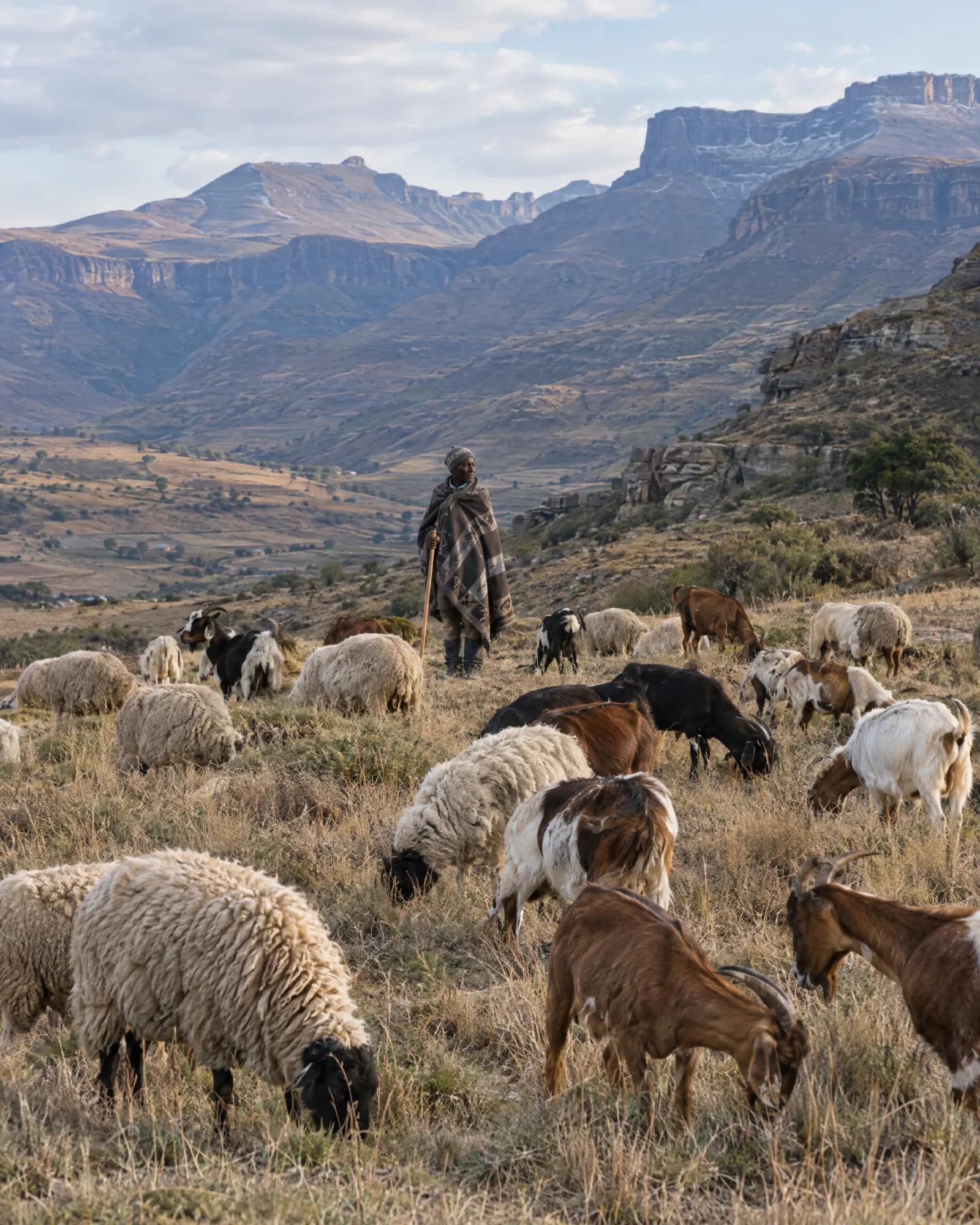
Validation is on by default for a community, so nothing counts until an Admin has confirmed it.
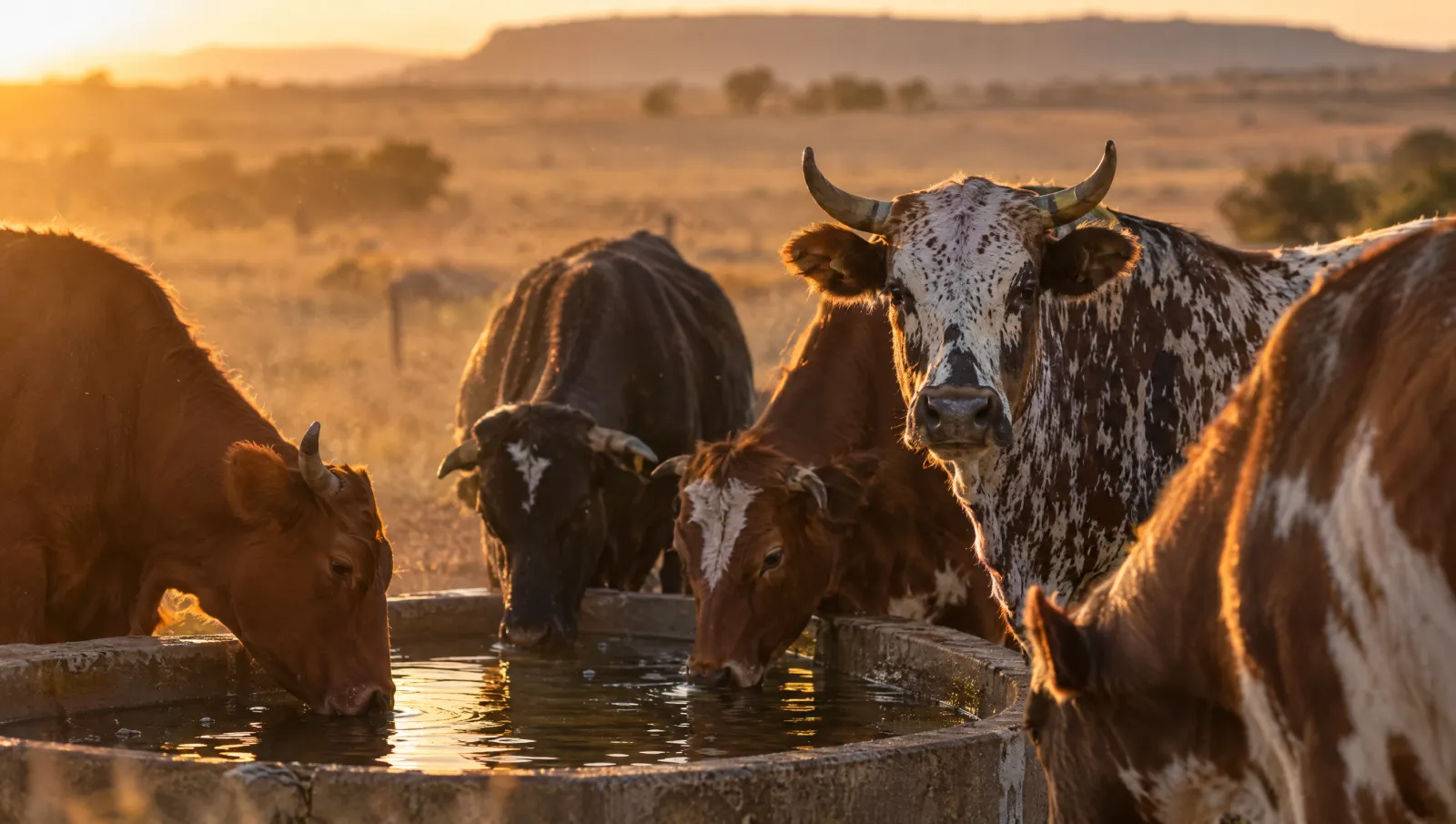
How many animals do you have right now?
If you paused on that, start with the register. Fifty animals free, on the phone in your pocket, today.